What is React.js?
A beginner-friendly breakdown of what React.js is, why it exists, and the key concepts that make it the most popular frontend library.
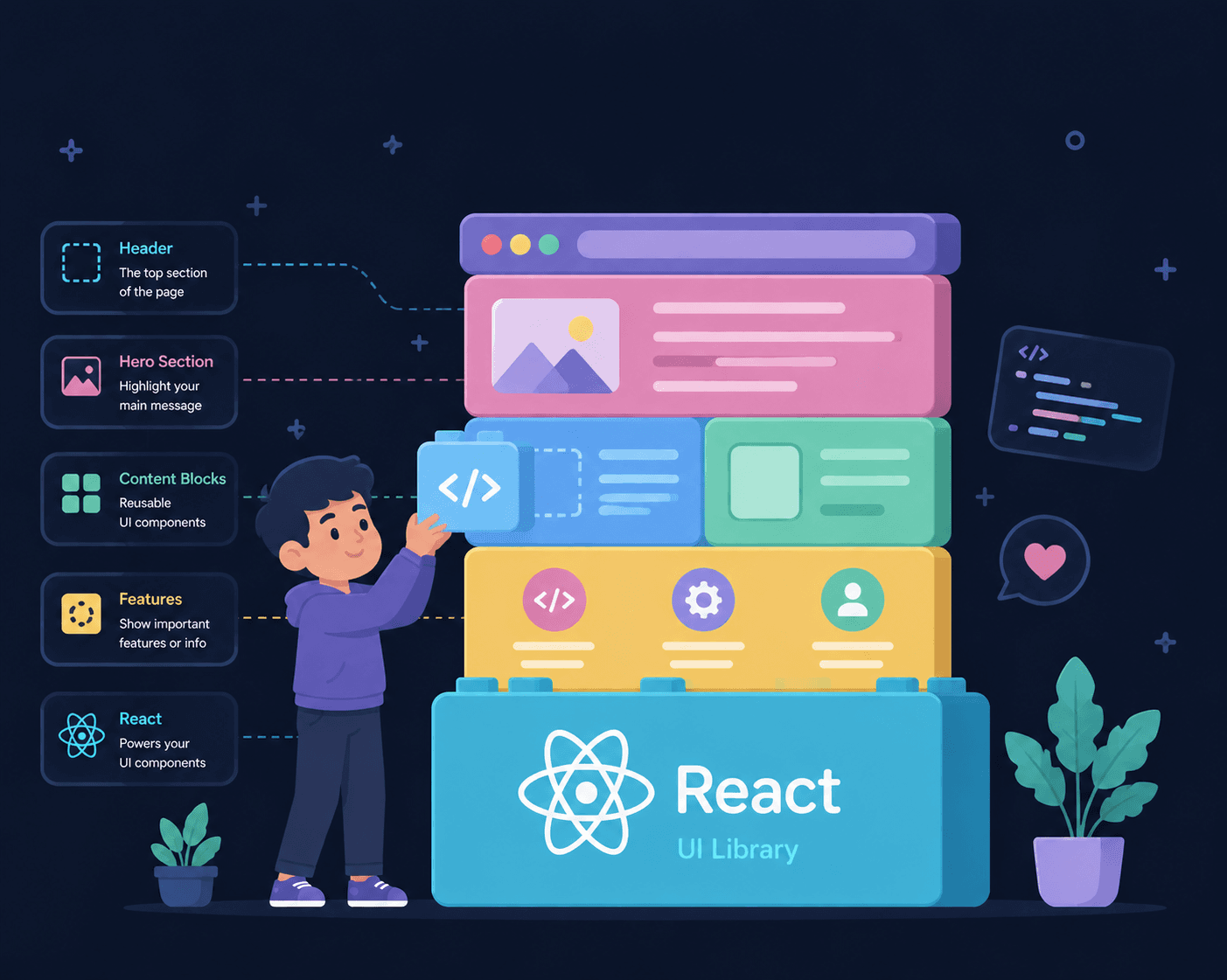
React — No, Not the Social Media Kind
You've probably heard the word React thrown around a lot. And no, it's not the thing you do when someone posts something on social media. It's something completely different.
React is a JavaScript library used to build dynamic user interfaces for web applications. It was developed by engineers at Meta (formerly Facebook) around 2013. Originally, it was built for internal use at Meta. Later, they made it open-source, and it grew rapidly — becoming the most widely supported frontend library in the world, contributed to by developers from everywhere.
Before React: The Traditional Way
Before React existed, building web interfaces meant using three core technologies together:
- HTML (HyperText Markup Language) — for the content and structure of the document
- CSS (Cascading Style Sheets) — for styling and making things responsive across desktop and mobile
- JavaScript — for adding interaction, animations, and handling API calls (where clients fetch data from the server)
And here's one important thing to remember: JavaScript is the foundation for learning React.js. Don't try to skip the fundamentals and jump straight into React. I've already written about the JavaScript concepts you should know first — go read that so you're well prepared.
So Why React?
Like I said, HTML, CSS, and JavaScript are used together to build interfaces. That works fine for small projects. But as your project grows, your code files get bigger and harder to manage.
React solves this problem with component-based architecture.
Instead of writing one giant HTML file, you break your UI into small, reusable components — each responsible for its own piece of the interface. You can reuse these components across your website or even across different projects.
Think of it like LEGO blocks. Each block is small and simple on its own, but you can combine them to build anything.
Key Features
Virtual DOM
The DOM (Document Object Model) is how the browser represents your HTML as a tree of objects that JavaScript can interact with. Manipulating the real DOM directly is slow — every change triggers the browser to recalculate layouts and repaint the screen.
React solves this with the Virtual DOM. React keeps a lightweight copy of the DOM in memory. When something changes, it compares the new Virtual DOM with the previous one (a process called diffing), figures out exactly what changed, and updates only those specific parts in the real DOM.
This makes React fast — you get the feel of a smooth, responsive UI without the performance cost of constant full-page re-renders.
JSX Syntax
JSX stands for JavaScript XML. It looks like HTML inside your JavaScript code, but it's actually syntactic sugar that gets converted to regular JavaScript function calls.
// This JSX:
const element = <h1>Hello, React!</h1>;

// Is actually equivalent to:
const element = React.createElement("h1", null, "Hello, React!");
JSX makes it intuitive to describe what your UI should look like. You write markup right alongside your logic, and React handles the rest.
function Greeting({ name }) {
  return <h1>Hello, {name}!</h1>;
}
You can embed any JavaScript expression inside {} — variables, function calls, ternaries, anything.
Unidirectional Data Flow
In React, data flows in one direction — downwards from parent components to child components through something called props.
Parent Component
  ↓ props
Child Component
  ↓ props
Grandchild Component
This makes your data flow predictable and easier to debug. If something goes wrong, you know the data came from above — you don't have to hunt through the entire app to figure out where a value changed.
When a child component needs to communicate back up to a parent, it does so by calling a callback function that the parent passed down as a prop. The data still flows down; only the signal goes up.
State
State is what makes React truly powerful. It's the data that a component holds and manages internally. Whenever the state changes, React automatically re-renders only the parts of the UI that depend on that state — no page refresh needed.
import { useState } from "react";

function Counter() {
  const [count, setCount] = useState(0);

  return (
    <div>
      <p>You clicked {count} times</p>
      <button onClick={() => setCount(count + 1)}>Click me</button>
    </div>
  );
}
Every time you click the button, setCount updates the state. React detects the change and updates the <p> tag with the new number. The rest of the page stays untouched. That's the magic — the UI stays in sync with your data, automatically.
Without React, you'd have to manually find the element in the DOM and update it yourself. React handles all of that for you.
Should You Learn React?
If you're starting out in web development and you've got a solid grasp of JavaScript fundamentals, React is a great choice. The learning curve is manageable, the community is massive, and the job market is strong.
But don't rush. Make sure you understand the basics of JavaScript first — things like const/let, destructuring, array methods, arrow functions, and async/await. Without those, React will feel confusing instead of powerful.
I've already covered the essential JavaScript concepts you need before React — start there, and when you're ready, come back to this post.
What's Next
Now that you know what React is and why it exists, the next step is to actually build something with it. Start small — a to-do list, a weather app, a simple blog. The best way to learn is by doing.
Stay tuned. Thanks for reading!